Cruce Saunders
  • Player card
  • Workshop
  • List
  • Contact
Cruce Saunders
  • Player card
  • Workshop
  • List
  • Contact

Beru Control Center

Jan–Feb 2026AI agentsRetired

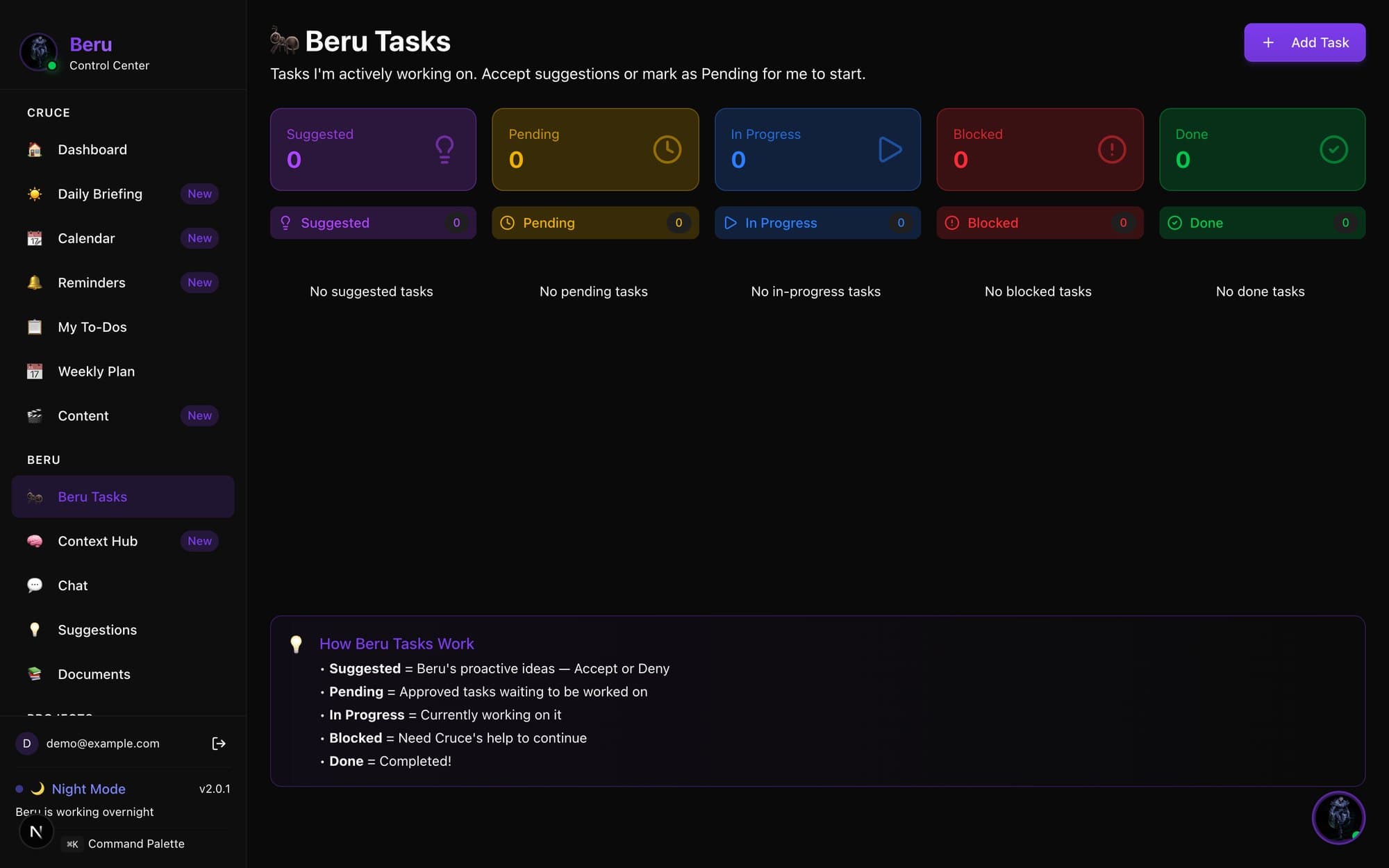
The Beru Tasks board with columns for Suggested, Pending, In Progress, Blocked and Done, a 'How Beru Tasks Work' legend, and a sidebar listing Dashboard, Daily Briefing, Calendar, My To-Dos, Weekly Plan and Context Hub.
Run locally with no data connected.
Back to the worldBeru Control Center
  • Player card
  • Workshop
  • List
  • Contact
  • Back to the world
  • Player card
  • Workshop
  • List
  • Contact

Beru Control Center

Beru Control Center was the desktop command center for Beru, my always-on AI assistant bot.

It put Beru's task board, my to-dos, a weekly plan, a morning briefing and the bot's scheduled automations in one app, so I could see and steer what Beru did, overnight included.

It was the first dashboard I built for running an AI that works on its own, and the ideas in it grew into Crew and my Grok Bots.

commits in eight days
9898

Beru proposes, I approve

In early 2026 I was running Beru, a personal assistant bot built on OpenClaw, an open-source framework for AI assistants that keep running in the background. A bot that works on its own is only useful if it works on the right things, so I built a control center for it.

The heart of the app is the Beru Tasks board. Beru adds its own ideas to Suggested, and I accept or deny each one. Approved work moves to Pending, then In Progress while Beru works on it, and anything that needs my help lands in Blocked. Done is the record of what it finished.
School and building in one weekly plan

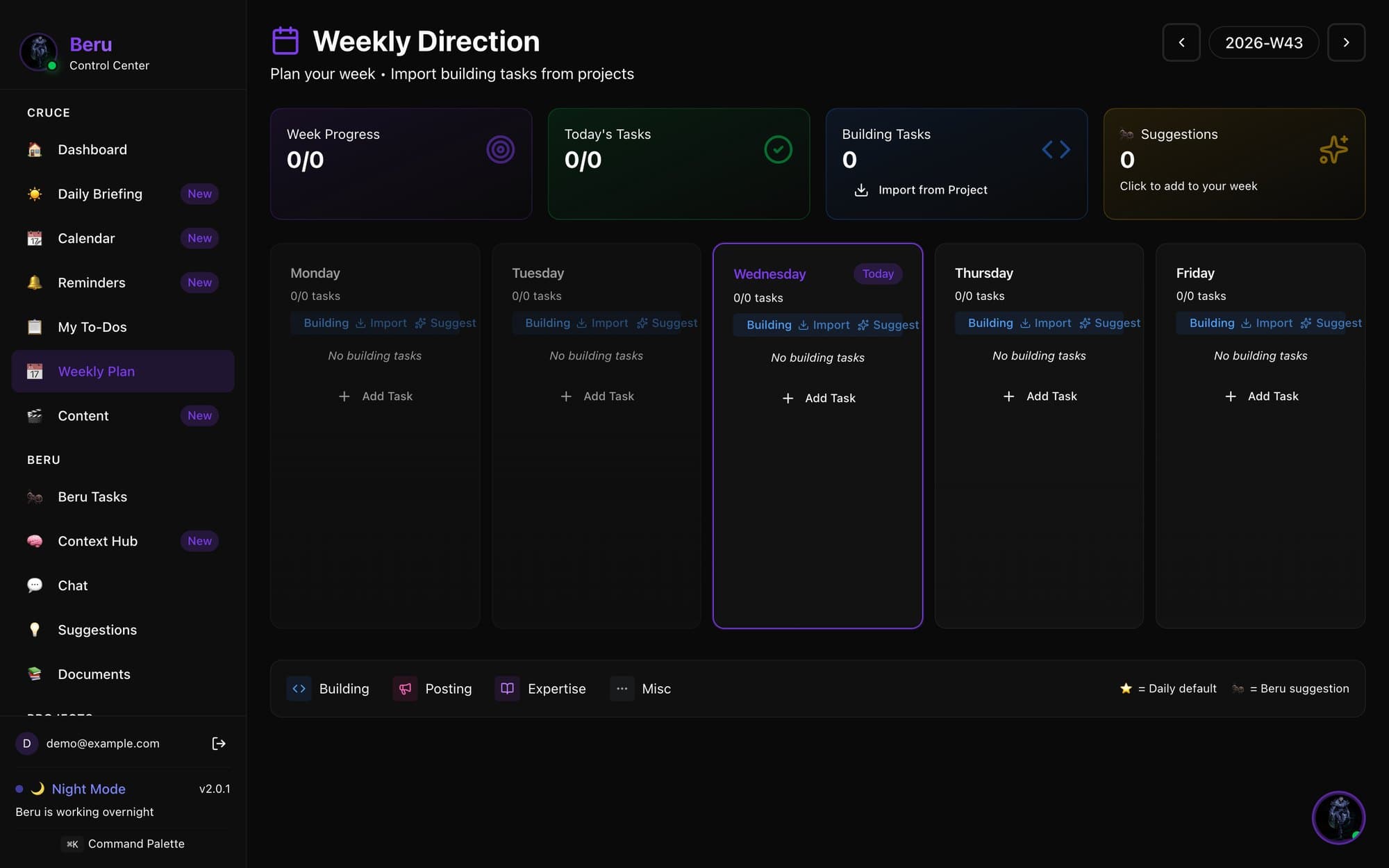
Weekly Direction lays the week out day by day and pulls building tasks straight in from my project trackers, including one for the Ippo MVP. My own to-dos, reminders, a calendar view and an Academics page for my AP classes sit beside it, so schoolwork and building lived in the same place as everything Beru was doing.

The Weekly Direction page for week 43: progress counters at the top and a column for each weekday with an Add Task button.

A desktop app with a night shift

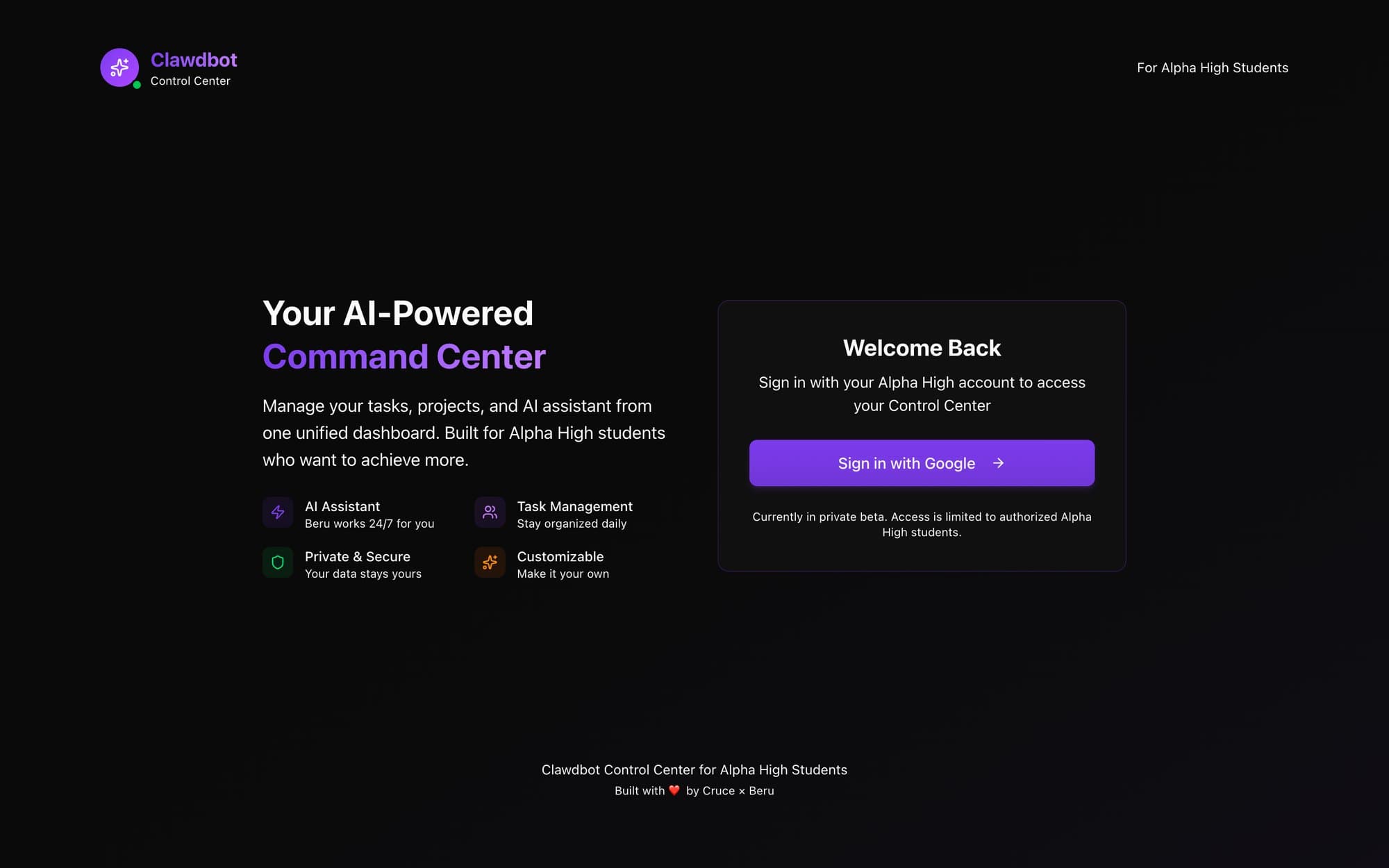
It ran as an Electron desktop app over a small local server. The Automations page edited the bot's real scheduled jobs, Systems grouped automations into workflows that run in sequence, and Night Mode let Beru work on its own from 10 p.m. to 6 a.m., with a Daily Briefing each morning on what it did overnight. The web version sat behind a Google sign-in as a private beta for students at my school. I shipped it in 98 commits over eight days.

The pattern stuck with me: the AI proposes, I approve, and anything blocked on me is easy to see. Crew's Needs you bar and my Grok Bots' question batches are the same idea, built bigger.

The control center's sign-in page, branded Clawdbot Control Center: 'Your AI-Powered Command Center' with tiles for AI Assistant, Task Management, Private & Secure and Customizable, and a Sign in with Google button.

More builds

  • AI agentsCrew and JevSep–Oct 2026
  • WebApex SATSep–Oct 2026

Back to the workshop